- New
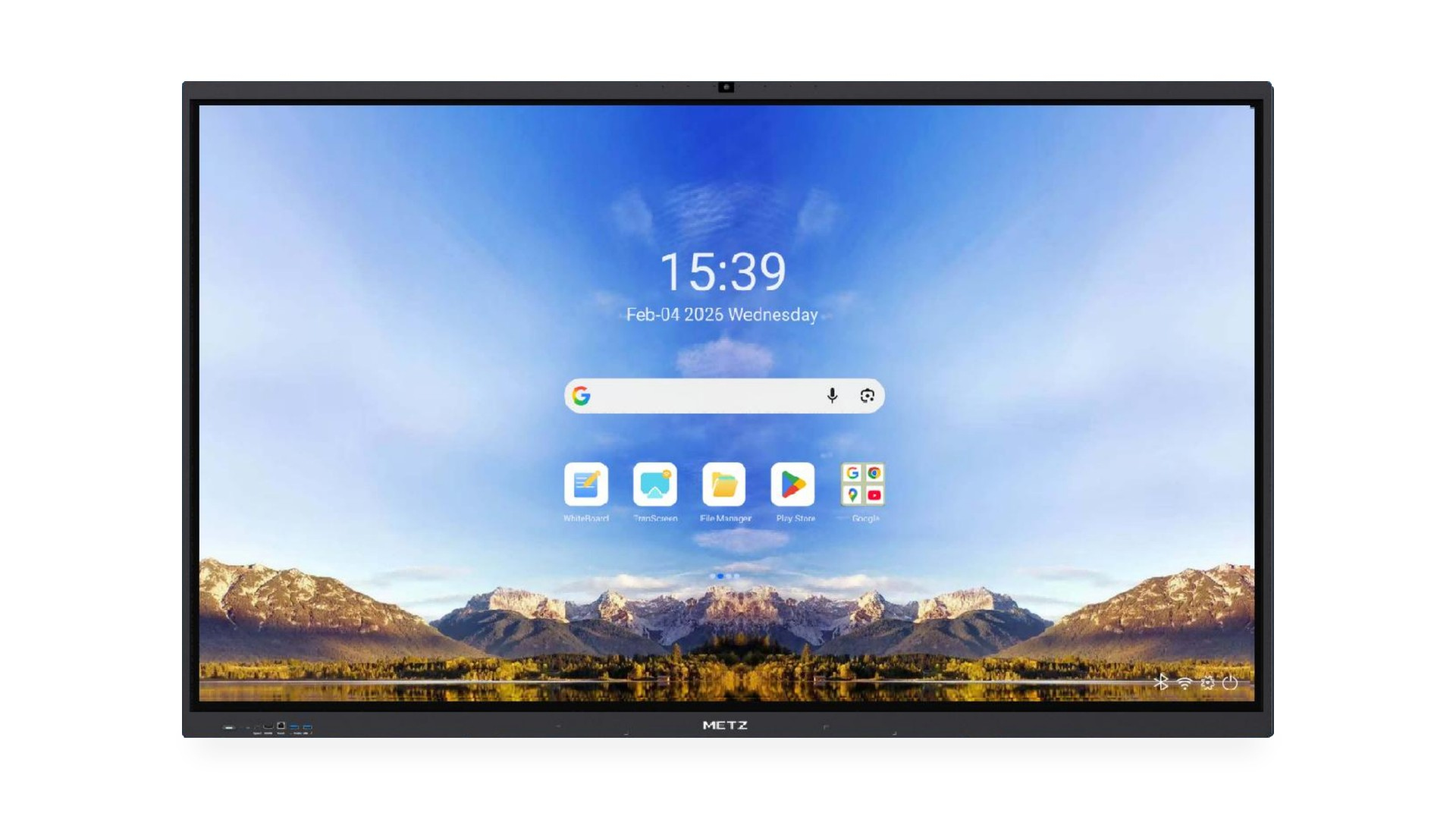
METZ 65V6M 65" Interactive Display, 4K, Android 16, Google EDLA, WiFi 6E, 8GB/128GB, 48MP camera, wall mount
METZ 65V6M (65") is a 4K interactive display with Google EDLA certification and Android 16: 8 GB RAM and 128 GB storage (16/256 GB optional).
A built-in 48 MP AI camera and 8 microphones (12 m pickup) handle video calls with no extra hardware. Share screens wirelessly via Google Cast, Miracast, AirPlay and DLNA, from up to 9 devices at once.
50-point touch, a whiteboard with OCR, OPS slot, wall mount, IR remote and 2 styluses included. 3-year warranty, 5 years for education.
Android 16 + Google EDLA
Google EDLA certification brings official security and OTA updates and full access to the Google Play Store. Familiar Google apps are on board: Docs, Sheets, Slides, YouTube, Maps and Google Assistant.48 MP AI camera
and 8 microphones
A built-in 48 MP camera with four AI modes: panoramic, meeting, presenter tracking and avatar. Eight microphones pick up voices from up to 12 m with AI noise reduction.Cable-free sharing
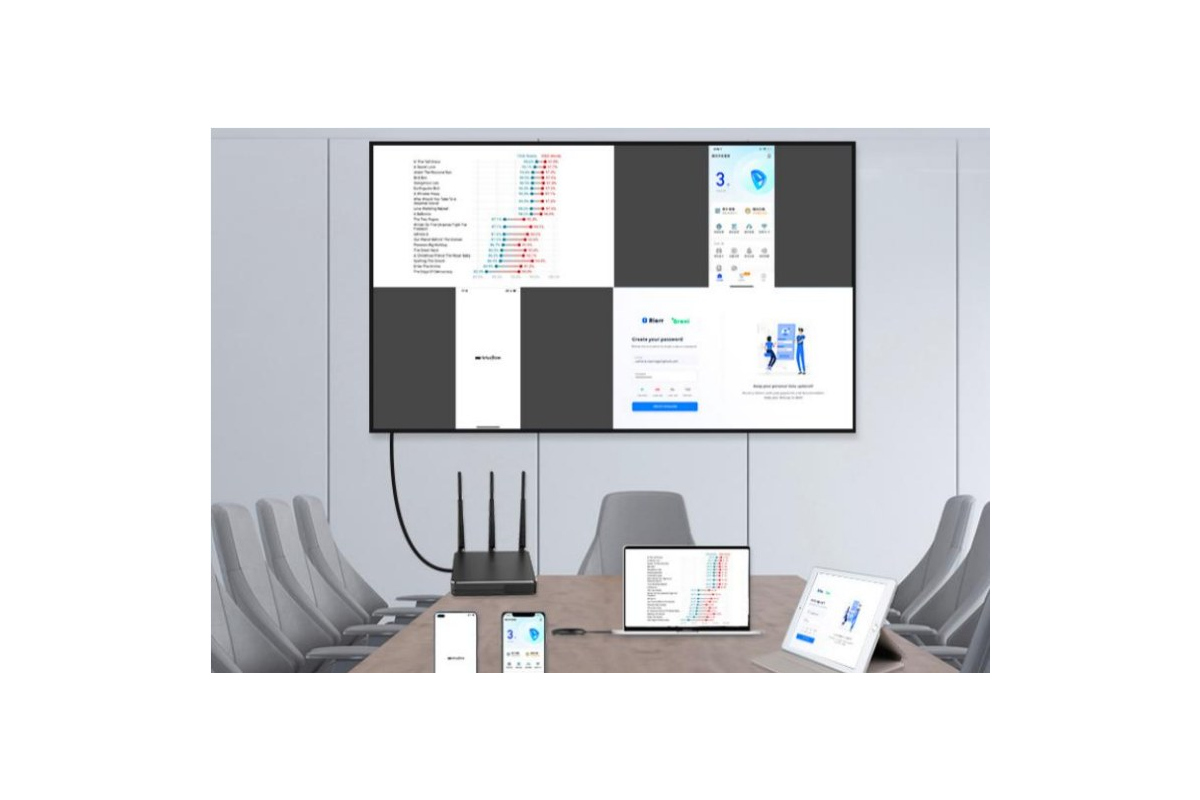
Wireless Screen Sharing in the Pro version, activated at the factory: Google Cast, Miracast, AirPlay and DLNA with no apps to install. Split the display into up to 9 sections to show content from 9 devices at the same time.
5-year warranty
for education
Every METZ interactive display comes with a 3-year manufacturer’s warranty. Displays supplied for education projects receive a free 5-year warranty.50-point touch
Infrared touch recognises 50 points at once with ±1 mm accuracy and a 5 ms response time. Several people can write at the same time, even on a split screen. Palm Rejection ignores a hand resting on the screen while writing. The panel is protected by 3 mm antibacterial, anti-glare tempered glass.4K UHD screen
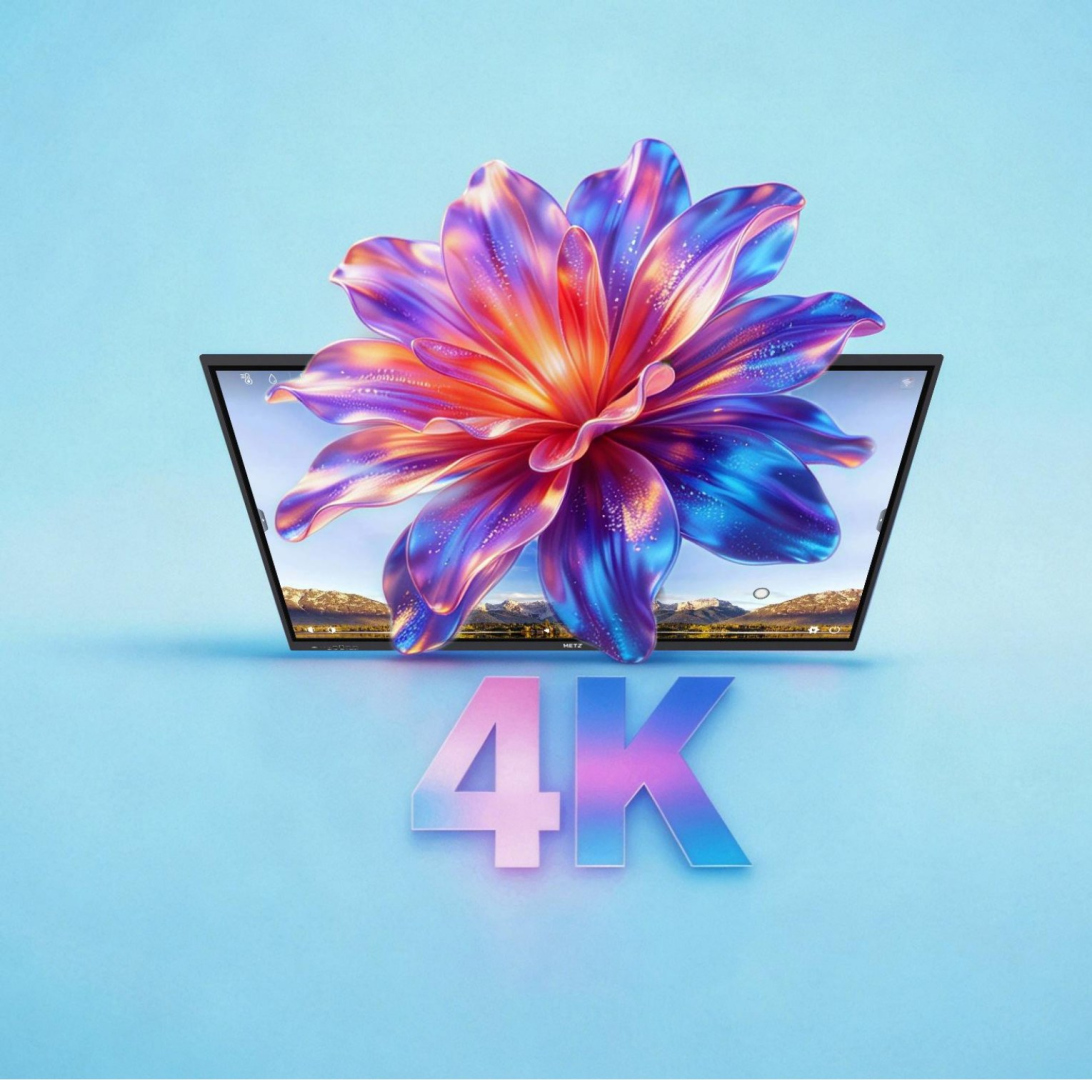
3840×2160 resolution, a 178° viewing angle, 1200:1 contrast and a wide colour gamut deliver sharp text and realistic images from anywhere in the room.
Performance
An eight-core processor (4× Cortex-A72 + 4× Cortex-A53), Mali-G52 MC3 graphics, 8 GB RAM and 128 GB storage (16 GB and 256 GB optional) keep multiple apps running smoothly.Windows+Android
The OPS slot lets you install a Windows PC inside the display, combining a large touchscreen with Microsoft 365 and the software you use every day.Wall mount, remote
and 2 styluses included
The box includes a wall mount, an infrared remote, two dual-colour styluses and a power cable.
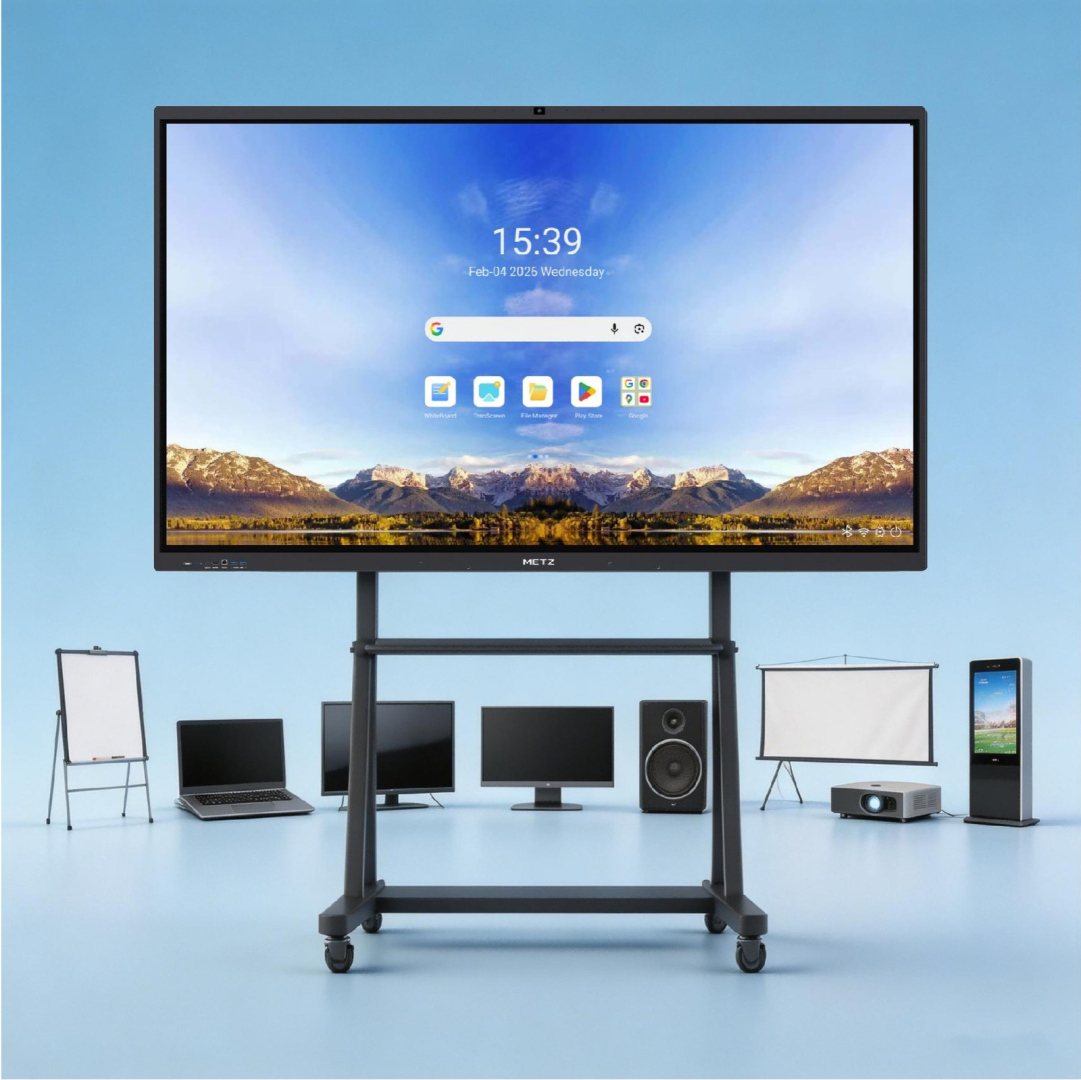
8 devices in one
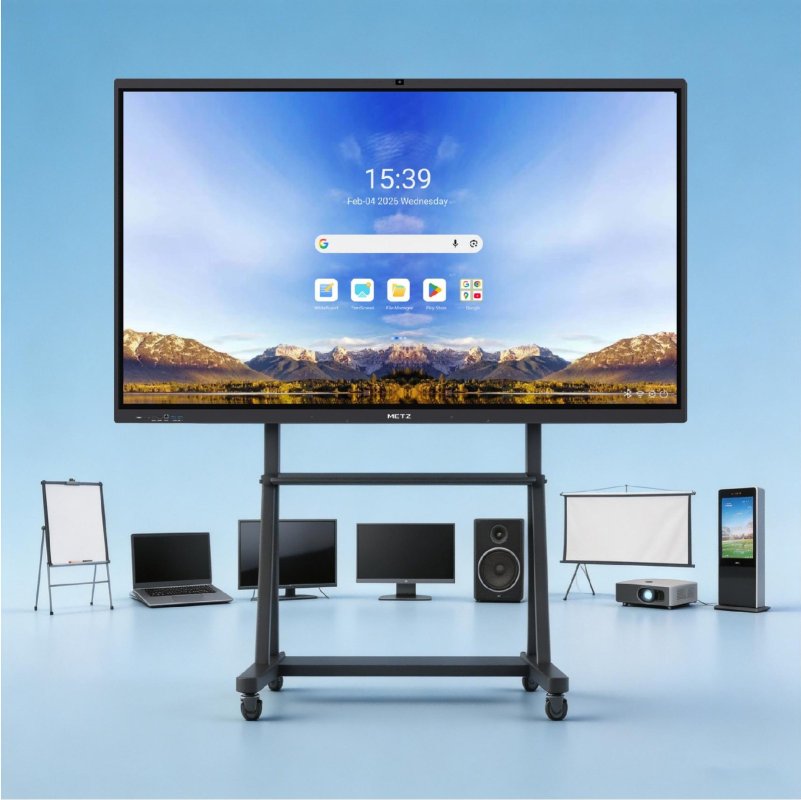
METZ V6M combines a display, computer, interactive whiteboard, projector, projection screen, audio system, digital signage and TV in a single device. Less equipment, fewer cables and shorter setup: switch it on and start your lesson or meeting straight away.
AI camera for every room
A built-in 48 MP AI camera and eight directional microphones with a 12 m pickup range replace a separate video-conferencing kit. The camera adapts the framing to what is happening in the room, and you choose one of four modes:
- Panoramic mode – the whole room in view, without zooming or tracking. Ideal when the remote side needs to see the entire space.
- Meeting mode – automatically frames all participants so that everyone is clearly visible.
- Presenter tracking – follows the person leading the lesson or presentation in close-up, while the whole room stays visible in a small picture-in-picture window.
- Avatar mode – detects participants’ faces, shows them as separate tiles and automatically highlights whoever is speaking.


Wireless screen sharing
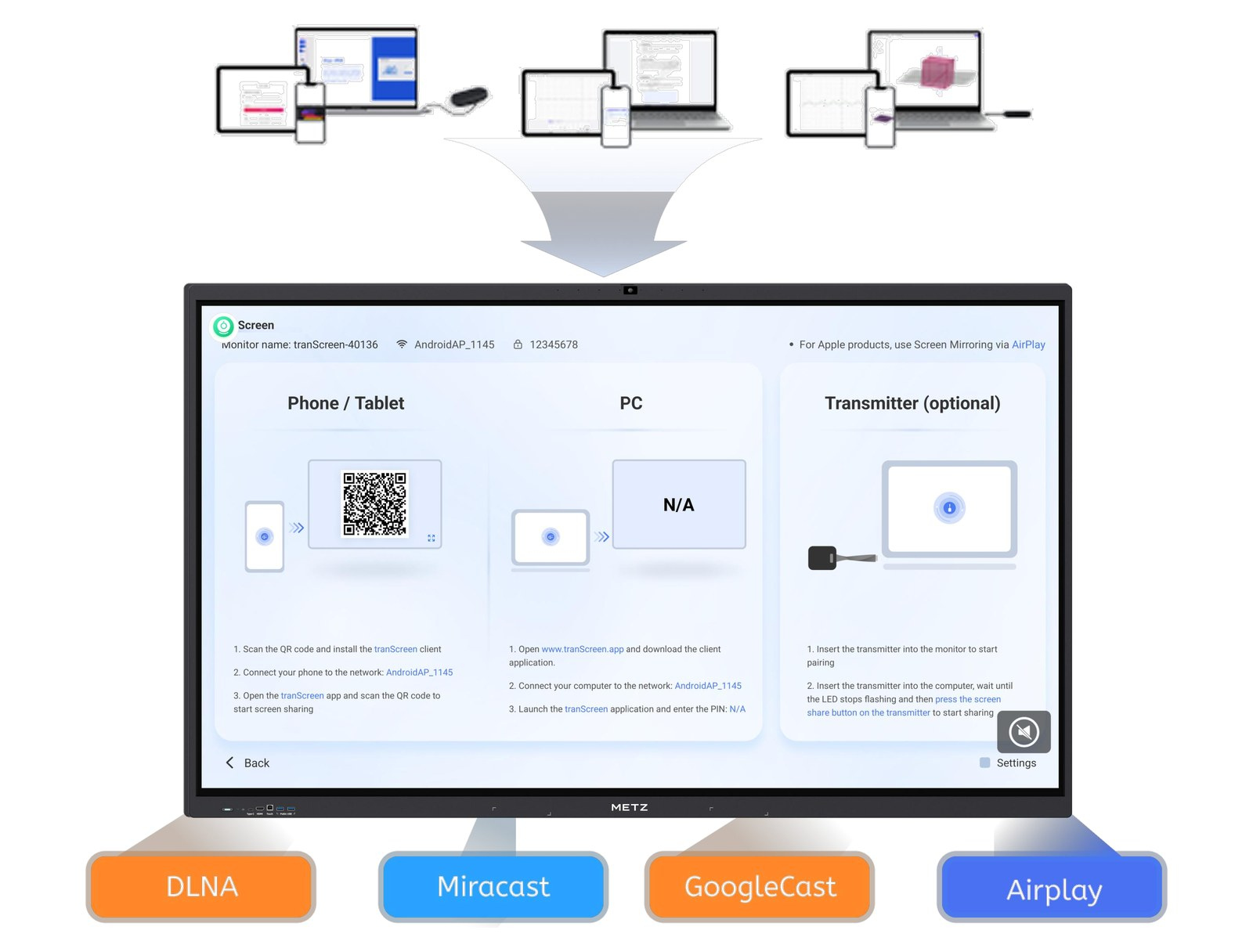
Wireless Screen Sharing Pro is activated at the factory with no extra licences. Students and meeting participants share their screens with no cables and no software to install, including in 4K. Here are all the ways to share a screen.
Google Cast
One-click screen sharing from Chromebooks and the Chrome browser, with no additional apps. Ideal for schools that work in Google Workspace for Education.
Miracast
Built-in screen sharing from Windows 10 and 11 computers with no extra software. Miracast also supports reverse touch, so you can control the laptop from the touchscreen.

AirPlay
Share screens and media from iPhone, iPad and MacBook – presentations, photos or videos straight from an Apple device. Reverse touch is not available via AirPlay.

DLNA
Stream photos, videos and music wirelessly from phones, computers and NAS servers on the local network, without copying files to the display.

Quad-screen split
Show content from four devices on one screen at the same time – great for comparing students’ work or presentations from several teams.
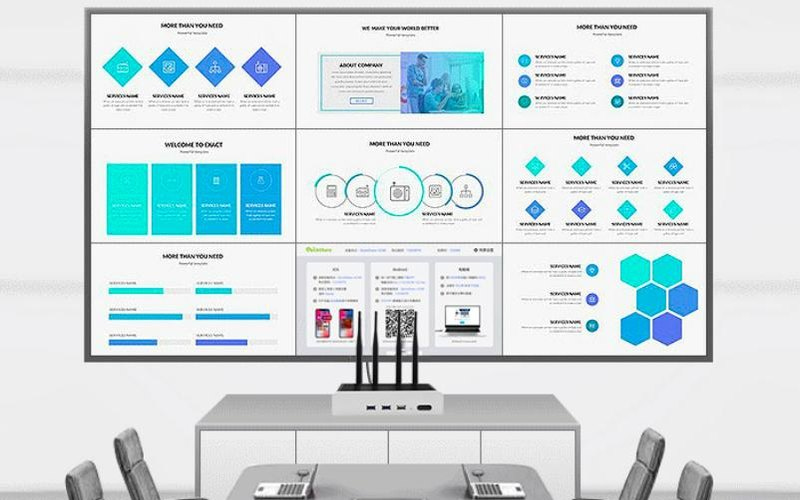
Nine-screen split
Split the display into 9 sections and show content from 9 devices at the same time, for example during group work.

One-to-many
One PC sends its screen to multiple interactive displays at once, with centralised control. The same presentation can reach several rooms simultaneously.

Screen discovery
An Android phone automatically discovers the nearby display in the QuickShare app, so no connection code is needed. Not available on iOS.
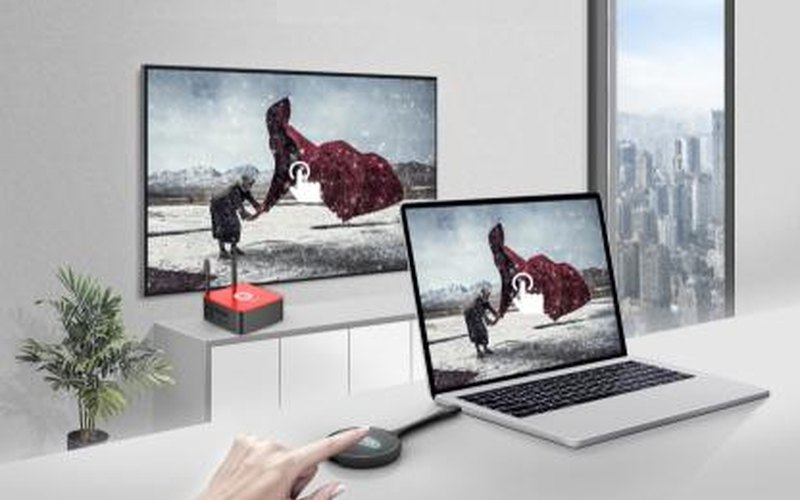
Reverse touch control
After sharing, control your laptop directly from the display’s touchscreen. Works via the casting dongle, the screen-sharing app and Miracast (not AirPlay).

BYOM
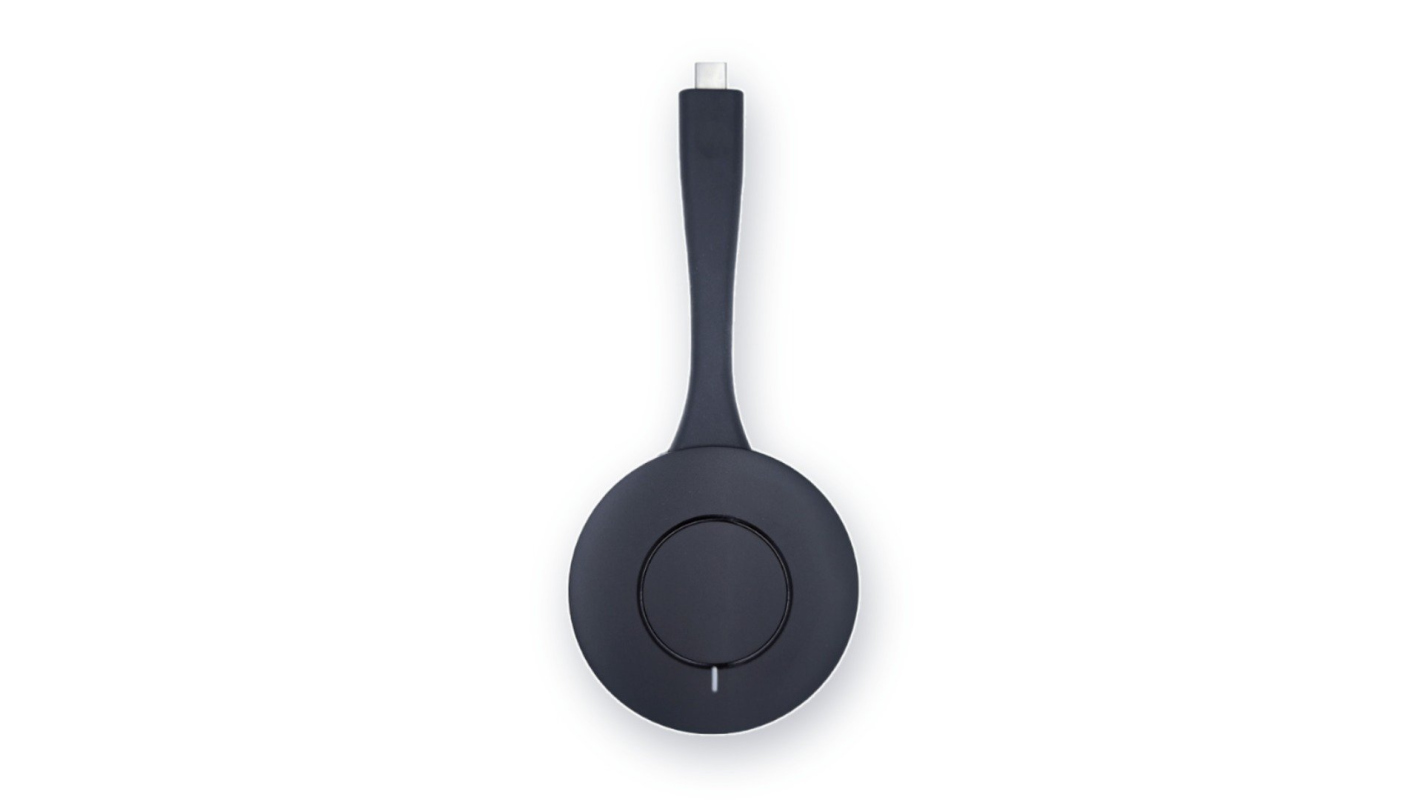
Bring Your Own Meeting: run the video call from your laptop while the display provides its 48 MP camera and 8 microphones. Requires the optional casting dongle.
Smart whiteboard
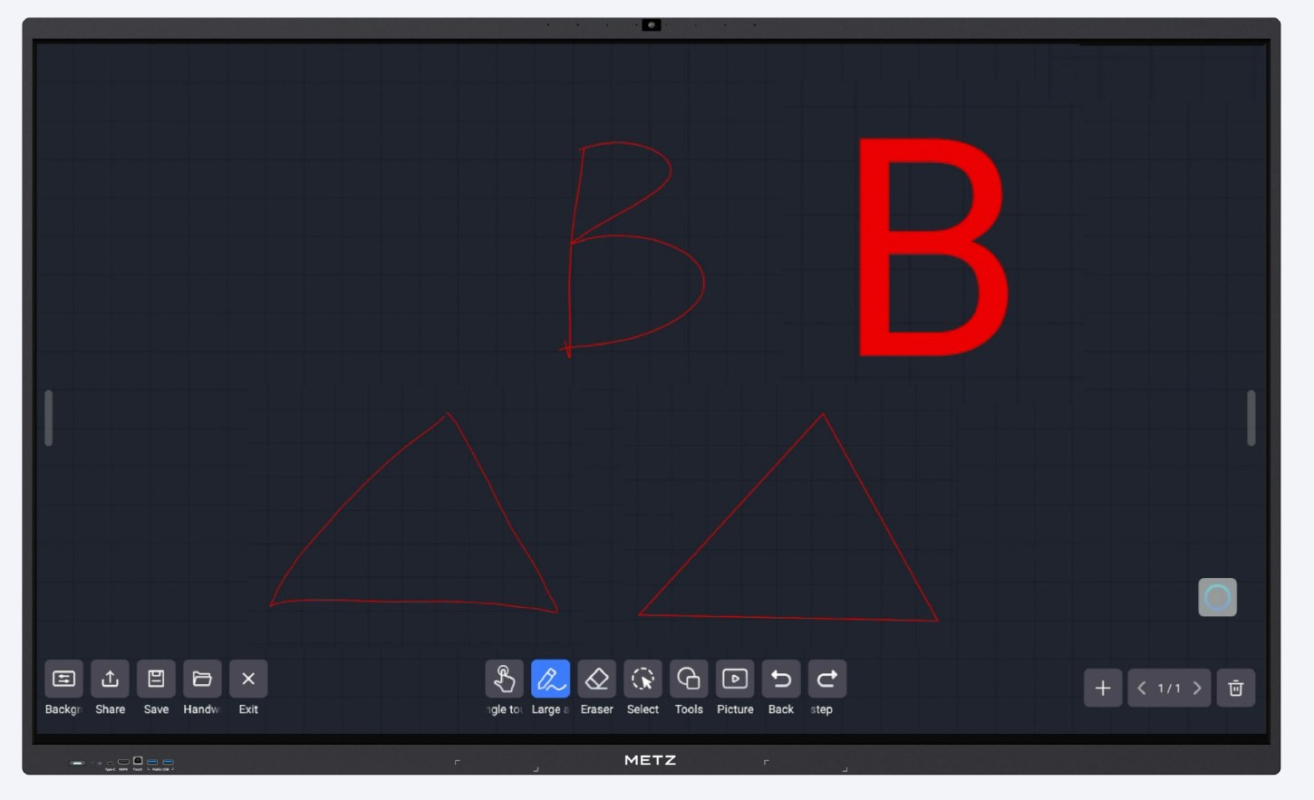
Several people can write at once, also in 2, 3 or 4 independent areas. A dual-colour pen, gesture erasing, maths tools, images, videos and mind maps are close at hand, and finished notes can be shared by email, QR code or cloud drive.
- OCR turns handwriting and sketches into text and shapes, in many languages.
- AI search on any content you select on the board. (in an upcoming firmware update)

Whiteboard features
Background
Change the whiteboard background with one tap to suit the lesson.
Writing
Up to 50 touch points at once, multiple pen styles, adjustable thickness and any colour.
Erasing
Erase a single point, a selected area or the whole page with one swipe of your hand.
Insert tools
Maths tools, images, videos, mind maps and subject-specific teaching resources.
Sharing
Send whiteboard notes by email, QR code or to a cloud drive.
Saving
Save the current whiteboard file and pick it up again in the next lesson.
Opening
Open saved whiteboard files straight from the file manager.
AI tools
AI tools will be enabled in an upcoming firmware update.
AI assistant
Multilingual voice control to quickly open system functions, apps and files stored on the display.
AI question generation
Creates exercises from textbook materials, with online answering and detailed explanations.
Image text recognition
Extracts text from photos and images, even on complex backgrounds, ready for further work.
Live speech translation
Translates speech in real time into multiple languages and shows captions on the big screen.
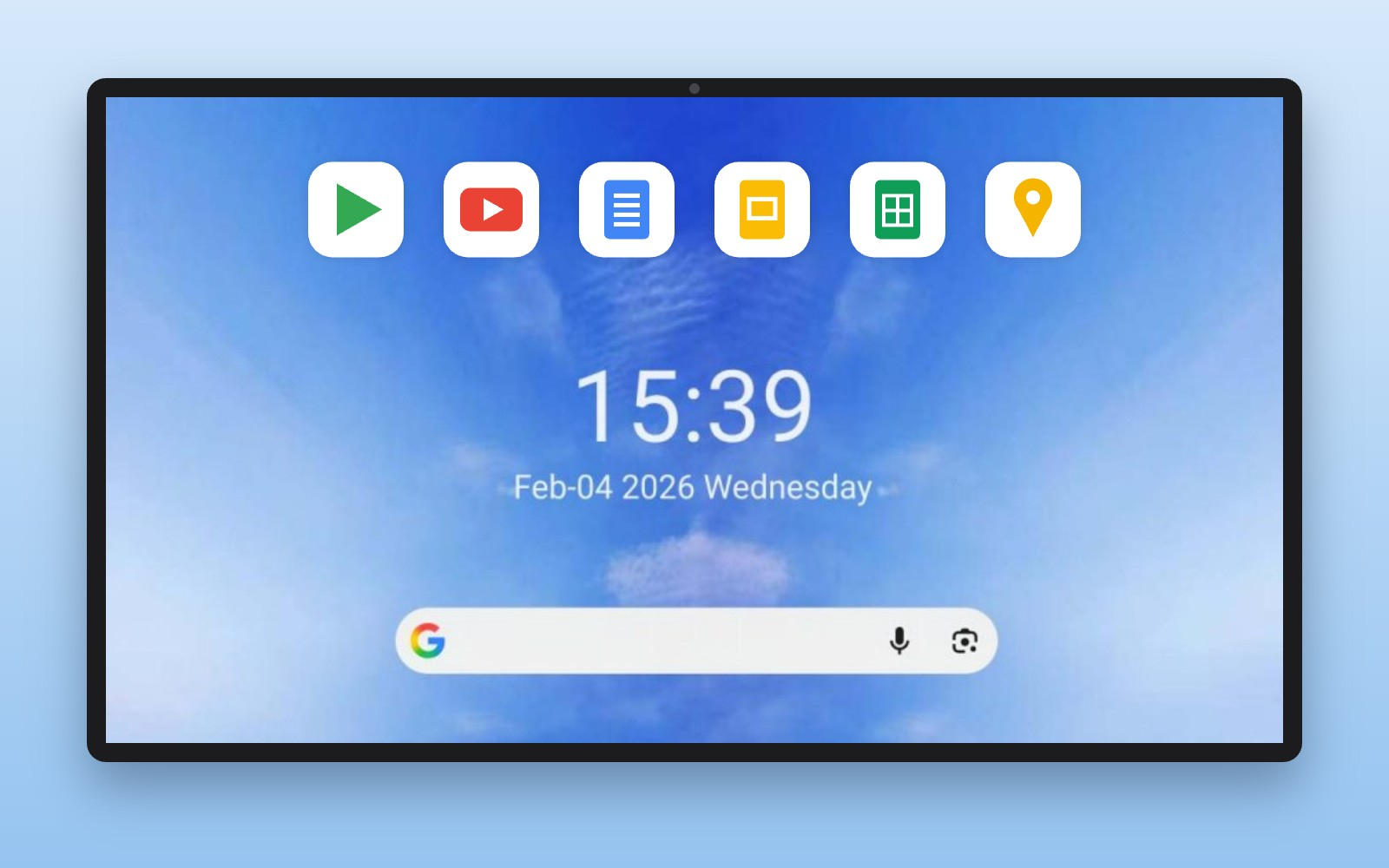
Google ecosystem and quick tools
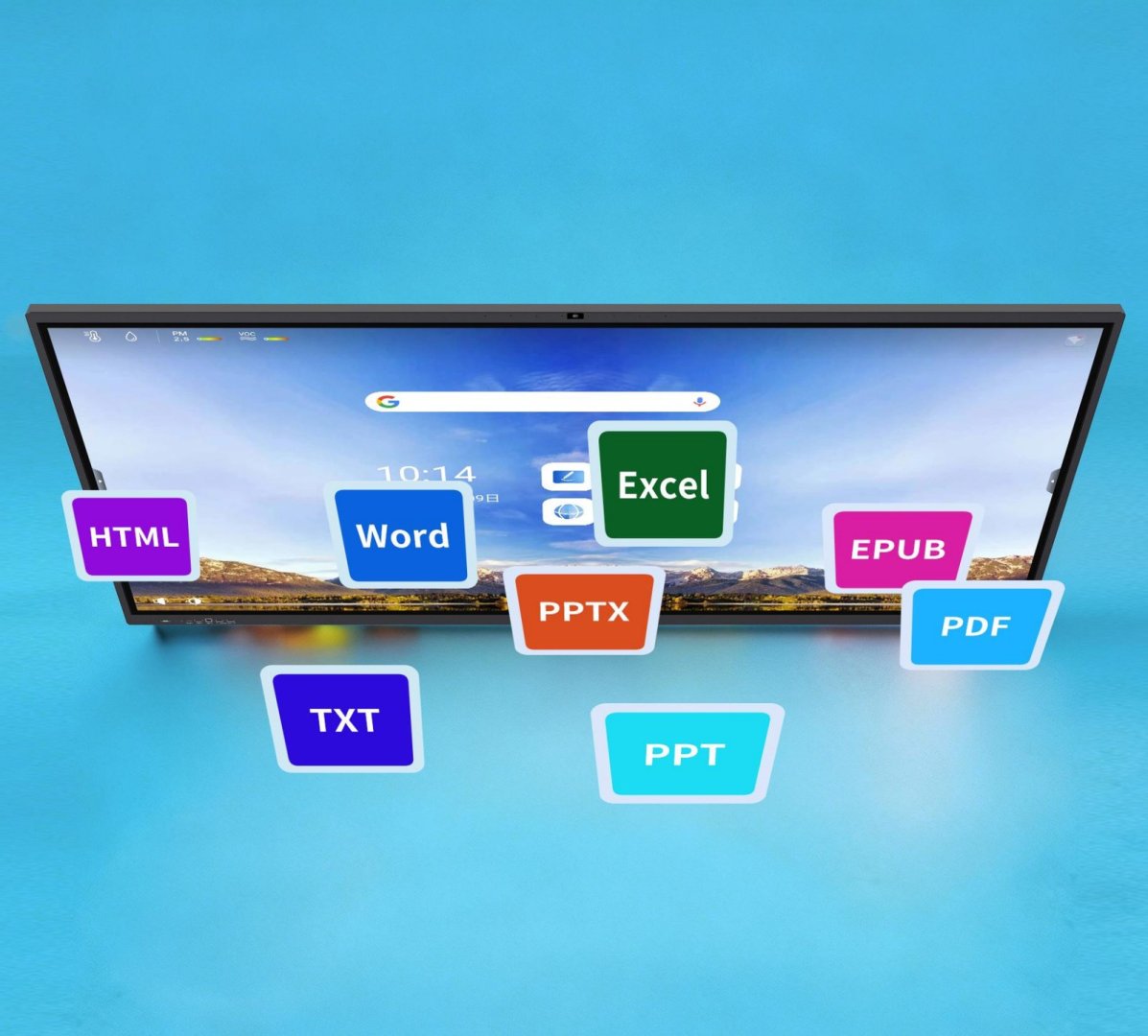
Google Play opens up education and productivity apps, while Google Docs, Sheets and Slides make shared lesson preparation easier. The sidebar and floating button give quick access to annotation on any screen and widgets: timer, calendar, calculator, screen capture and recording, poll, countdown, file transfer and screen lock.
Google Play Store
Access a wide range of education, productivity and learning apps to support diverse teaching scenarios.
Google Services
Popular Google apps such as Maps, YouTube and Google Assistant come pre-installed for a familiar, seamless experience.
Google Collaboration Tools
Optimised for Google Docs, Sheets and Slides, making classroom presentations and collaborative lesson preparation easier. Integrated with the Google for Education ecosystem.
Every port within reach
Front: 2× USB 2.0, HDMI IN, touch USB and full-featured USB-C with video, touch and 100 W charging. Rear: 2× HDMI IN, HDMI OUT, USB-C, 2× USB, touch USB, LAN, RS232, SPDIF, headphone out, mic in, microSD card reader and OPS slot. Wireless: Wi-Fi 6E and Bluetooth 5.2.

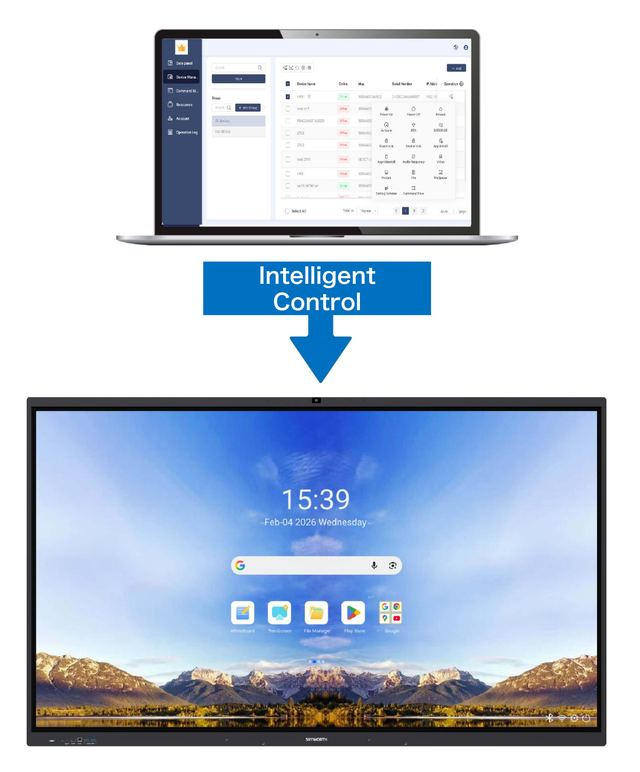
Remote management DMS
DMS (Device Management System) lets a school or company administrator manage every METZ display from one place, without walking from room to room.
- Data panel – key device data and operating status in a single view.
- Device management – real-time monitoring, live screen view and device groups.
- Remote control – power on, off and restart, activation, firmware updates, message push, touch and device lock, app installation and removal, file and wallpaper management, configuration deployment and command execution.
- Command management – command history with details, publisher and release time.
- Resource library – central storage and allocation of materials.
- User management – sub-accounts and permissions for additional administrators.
- Operation log – view and export logs for maintenance.
Product specifications
01 Systematic
- CPU
-
ARM Cortex A72*4+A53*4
- GPU
-
ARM Mali-G52 MC3
- RAM
-
8 GB (16 GB optional)
- ROM (disk)
-
128 GB (256 GB optional), plus up to 256 GB via optional microSD card
- Operating system
-
Google EDLA Android 16
- OPS Windows
-
Optional (built-in OPS port)
- Speakers
-
2*20W + 20W (Subwoofer)
- Mikrofon
-
Built-in 8-array microphones, 12 m pickup, AI noise reduction
- Kamera
-
Built-in 48 MP AI camera (panoramic, meeting, presenter tracking and avatar modes)
02 Display
- Monitor size
-
65"
- Backlight type
-
LED
- Resolution
-
4K UHD (3840 x 2160)
- Viewing angles
-
178°/178° 89°/89° right-left 89°/89° top-bottom
- Screen format
-
16:09
- Brightness (panel)
-
500 cd/m2 (without touch overlay)
- Light transmission
-
0,92
- Static contrast
-
1200:1
- Dynamic contrast
-
5000:1
- Screen life
-
>50 000 hours
- Refresh rate
-
60Hz
- Warranty
-
3 years (5 years for Education)
03 Touch
- Touch technology
-
infrared Zero Air-Gap + Palm Rejection
- Protective glass
-
Antibacterial tempered glass with anti-glare and anti-fingerprint (AF) coating
- Thickness of protective glass
-
3 mm
- Strength of protective glass
-
9H
- Number of touch points
-
50
- Touch accuracy
-
±1mm
- Response time
-
5 ms
- Touch interface
-
USB
04 Software and ports
- Android software
-
Google Play, Google Docs, Sheets and Slides, YouTube, Maps, Google Assistant, interactive whiteboard with OCR, Wireless Screen Sharing Pro, widgets (timer, calendar, calculator, screen recording, poll, countdown), DMS; AI tools in an upcoming firmware update
- Supported systems
-
Windows 7/8/10/11, MacOS, Android, Chorme OS, Linux
- Wireless presentation
-
Yes, Wireless Screen Sharing Pro: Google Cast, Miracast, AirPlay, DLNA; split screen into up to 9 sections; reverse touch via dongle, app or Miracast (not AirPlay); BYOM with optional dongle; screen discovery (Android) and NFC
- OCR
-
Recognition of texts and shapes
- Installed languages
-
Based on the google system
- Content sharing
-
email, QR code, cloud drive
- Screen sharing
-
Can be divided into 9 independent screens
- Media playback
-
AV1, H.264, H.265, H.266, HDR 10,HLG, MPEG2, MPEG4, RMVB, VC-1, VP8, VP9, WMV
- Connections (front)
-
USB 2.0 x2, HDMI IN x1, Touch USB x1, USB-C x1 (full-featured: video, touch, 100 W charging)
- Connections (side/rear)
-
OPS Slot x1, HDMI IN x2, HDMI OUT x1, USB-C x1, USB x2, Touch USB x1, LAN x1, RS232 x1, SPDIF x1, Earphone x1, Mic x1, microSD card reader x1
- HDCP
-
HDMI in, USB-C
- Network connections
-
LAN (RJ45), WiFi 6
- Power supply
-
AC 110-240V, 50/60 Hz
- Extra
-
NFC reader, ambient light sensor, pen pick-up sensor
05 Accessories included
- Remote control
-
x1 infrared (IR) remote
- Cable
-
x1 power cable (3m)
- Stylus pen
-
2x double-sided dedicated stylus
- Wall bracket
-
x1 dedicated wall bracket
06 Dimensions and weight
- Size
-
1485 x 905.4 x 106.7 mm
- Size with wall bracket
-
1485 x 905.4 x 128.7 mm
- Size with VESA
-
600x400
- Size with box
-
1623 x 1016 x 183 mm
- Weight of monitor
-
35 kg
- Total weight
-
45 kg
07 Other parameters
- Komunikacja bezprzewodowa
-
WiFi 6E, Bluetooth 5.2
You might also like

.jpg)
.jpg)